



iTHINK Financial Cards App.
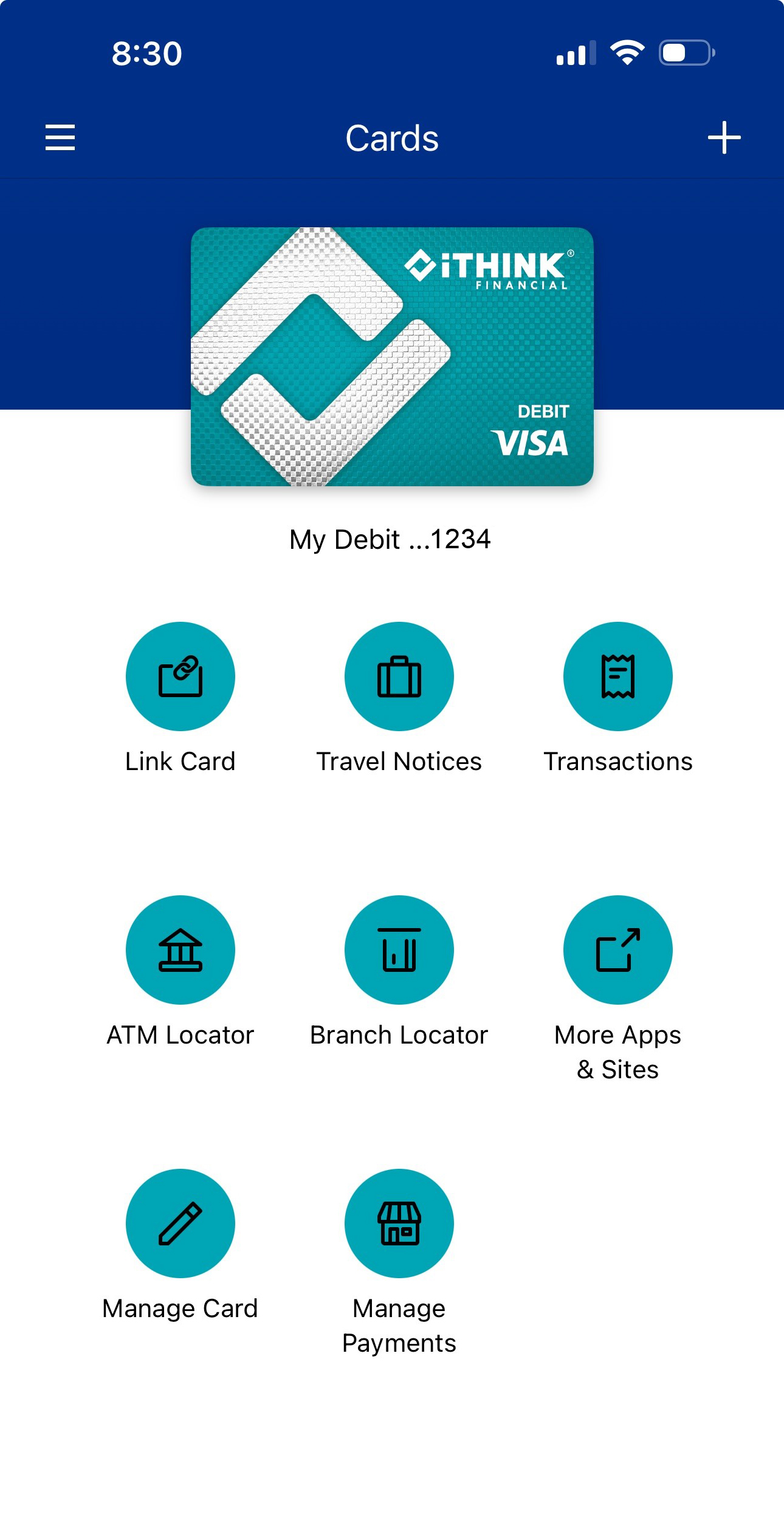

Control your card anywhere, anytime.
Download the app today in the Apple App Store or Google Play. Just search “iTHINK Financial Cards App”. Get more control and convenience for your iTHINK Financial Visa® with these great features:
- Transactions
- Travel Notices
- Activate Card
.png?sfvrsn=a4a95cc9_0)

GET YOUR CARD DIGITALLY WITH DIGITAL ISSUANCE!
No need to wait for the mail — your new iTHINK Financial card is ready to use right from your phone!
Getting started is easy:
1. Check your email for your Digital Card activation code.
2. Download the iTHINK Financial Cards App from the App Store or Google Play.
3. Open the app and select “Enroll by Activation Code.”
4. Enter your activation code and verify your identity.
5. Complete your enrollment and create your card PIN.
6. Your Digital Card is now ready—add it to Apple Pay®, Google Pay™, Samsung Wallet®, or Garmin Pay™ for instant, contactless payments.
Enjoy fast, secure, and convenient access to your new iTHINK Financial card — anytime, anywhere.