



Your Visa Balance Transfer is Now Just a Few Clicks Away
Exciting news for all our existing Visa Platinum card users. You can now initiate a balance transfer via our iTHINK Financial Digital Banking platforms in seconds.
Balance Transfer Features:
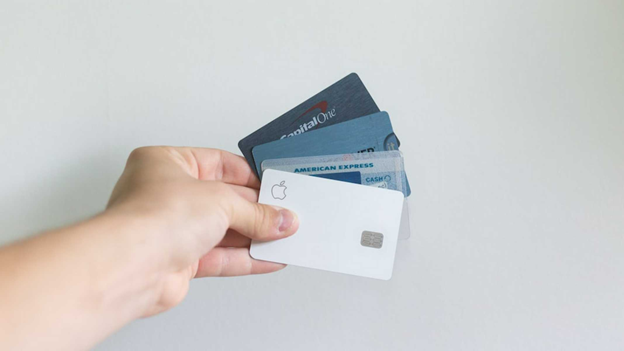
- No Cash Advance or Balance Transfer fees
- Unlimited Cash Advances up to your available credit limit (unlike many credit cards that limit cash advance balances to a percentage of your credit limit)
- Convenience Checks available
- Unlike many other credit card companies, we will not default to a higher rate if your payment is a few days late
It's easy to apply!
Just complete our simple online application to open your Visa Platinum Credit Card. Or contact us to apply at 800.873.5100, ext. 7701 or email us at loans@ithinkfi.org
Go ahead! Compare your favorite card to ours. If you’re paying too much, we’re confident you’ll like what you see and make the iTHINK Financial Visa® Platinum your next go-to card.
You’ll enjoy benefits such as:
- No Application Fee
- No Annual Fee
- No Cash Advance Fees
- No Balance Transfer Fees*
Start spending smarter on your everyday purchases today!
*Balance transfers must be processed by credit union personnel during the first 90 days of account opening. Members with an active iTHINK Financial Visa Platinum credit card, balance transfer rate calculation is based on your credit rating at the time of opening the credit card. Loan rate for new cards will be based upon the borrower’(s) creditworthiness. Credit subject to approval and income verification. Certain conditions may apply. Online Banking transfers and overdraft transfers are processed as Cash Advance transactions. Therefore, they do not qualify as Balance Transfer transactions. Balance Transfer proceeds may not be used to pay down or towards another iTHINK Financial loan or debt.