


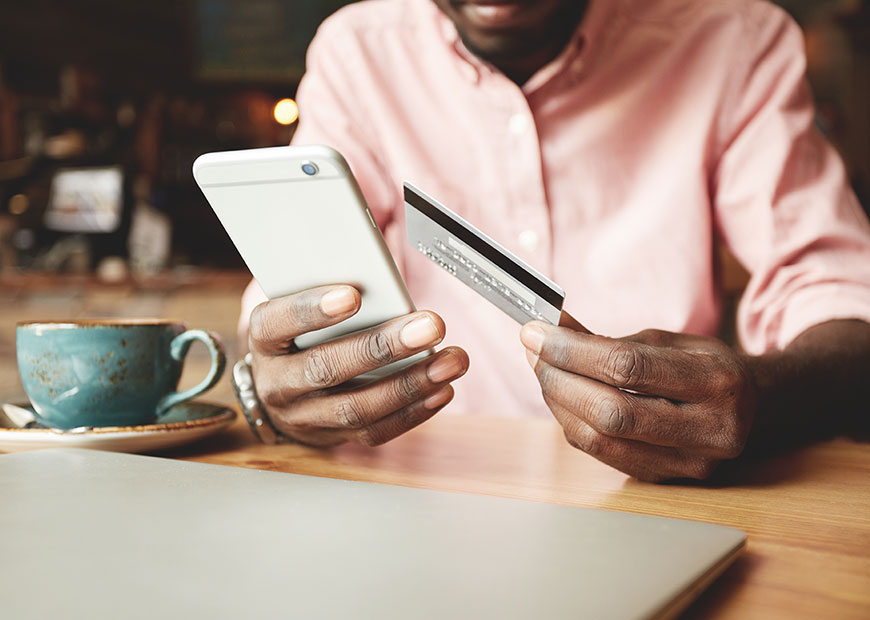
Easily and securely access your accounts using iTHINK Financial's Digital Banking App.
What can you do in our Digital Banking App?
- Check balances
- View statements
- Set up eAlerts
- Transfer funds
- Pay bills
- Deposit checks
- Secure Messaging
- Check your credit score
- And more!
Simply download our Digital Banking App for Android or iPhone from the links below. All of your data is protected with the highest level of encryption available today.
Download our Digital Banking App
Our Digital Banking App is free, easy to download, and simple to use. Log in to check balances, transfer funds, pay bills, and quickly deposit checks! You can also enable Sneak Peek and Biometric Identification, or use our ATM/Branch Locator.
Biometric Identification
Our Digital Banking system will automatically display the specific Biometric Authentication available for your mobile device:
- Touch ID
- Face ID (not yet available on Android devices)
- Fingerprint (available on Android devices)

How to use Sneak Peek
View Sneak Peek using the slider on your Digital Banking App login screen to see your account balances and recent transactions without logging in each time. It's a fast and convenient way to check your accounts.
Follow these easy steps to enable Sneak Peek. Note: Sneak Peek is only available on devices that have been marked as a Remembered Device.
1. Log in to your Digital Banking App.
2. Open the slider menu and select Accounts & Memberships.
3. Under Account Settings, use the account dropdown menu to select the account you want to manage.
4. Locate the Sneak Peek toggle and switch it ON to display that account in Sneak Peek.
5. Repeat this step for any additional accounts you would like to display.
6. Your changes are saved automatically. To disable an account from Sneak Peek: Navigate back to Accounts & Memberships > Account Settings, select the account, and switch the Sneak Peek toggle OFF. Note: Only accounts with Sneak Peek enabled will be visible on the Sneak Peek screen before logging in.

Quick Pay and Skip A Pay
Make a loan payment or skip your upcoming loan payment without logging in to Digital Banking!